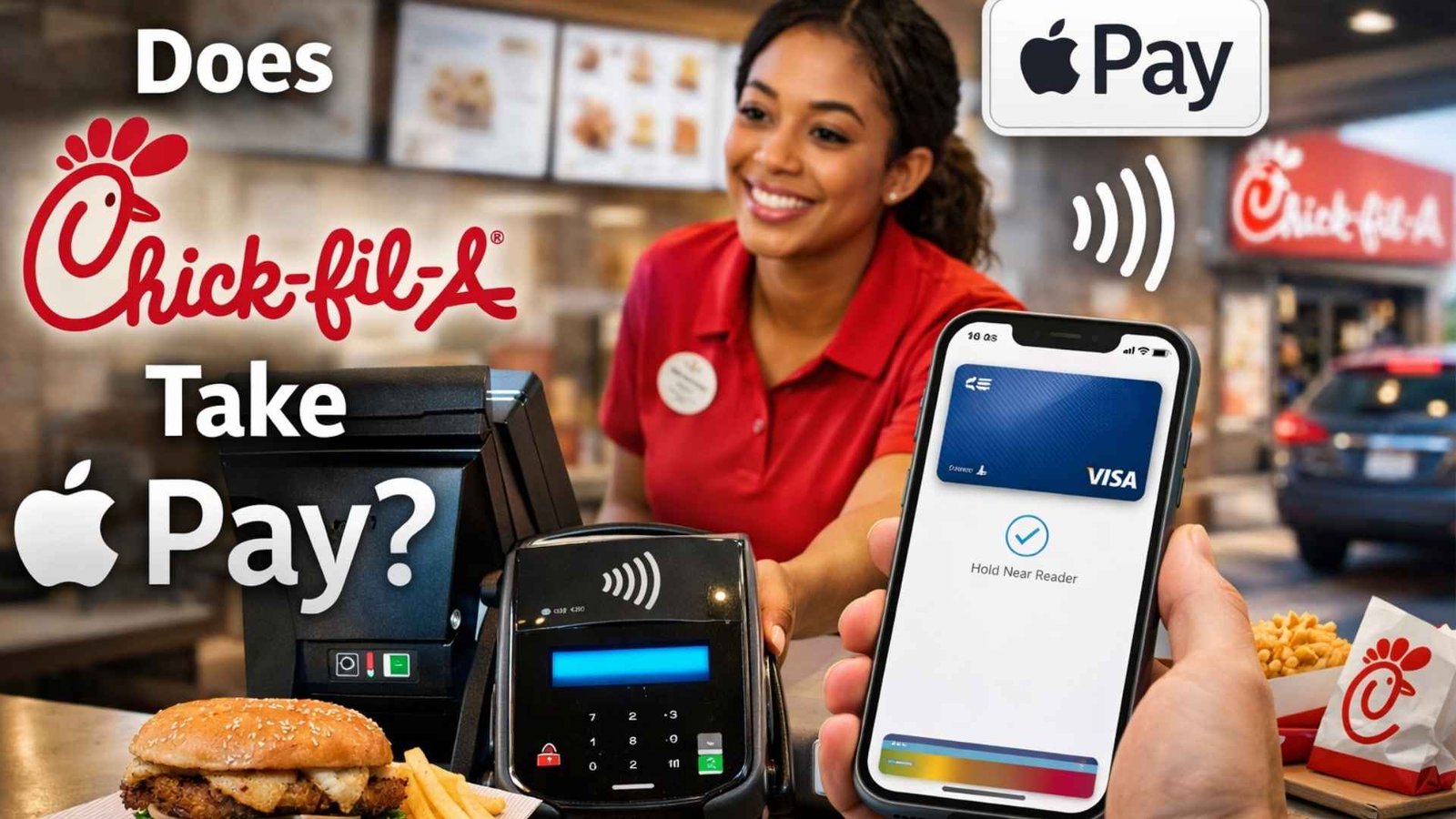
For readers of chickfila-menu.org, this is a practical question, not just a payment question. Your audience is already using the site to compare menu items, prices, calories, allergens, rewards details, and ordering options before they buy, so knowing whether Apple Pay works at Chick-fil-A helps them plan faster checkout, easier drive-thru pickup, and smoother app ordering without guesswork. That matters to busy families, students, commuters, and anyone who prefers contactless payment over pulling out a physical card.
Yes—but with an important catch. Chick-fil-A officially allows Apple Pay inside the Chick-fil-A app for mobile orders, and it also supports Apple Pay for adding funds to your Chick-fil-A account balance. However, Chick-fil-A says Apple Pay is not available for orders placed on chick-fil-a.com or for web-based catering orders. For in-person counter or drive-thru terminals, Apple says Apple Pay works only when the merchant has contactless payments enabled, so local terminal setup matters.
Can You Use Apple Pay at Chick-fil-A?
Here is the clearest, research-backed version of the answer.
“Yes, you can link your Apple Pay account…”
“Apple Pay is not available…” on chick-fil-a.com orders.
Where Apple Pay works at Chick-fil-A
| Order situation | Apple Pay available? | What you should know |
|---|---|---|
| Chick-fil-A app mobile orders | Yes | Chick-fil-A says you can link Apple Pay in the app and use it to pay for mobile orders. |
| Adding funds to Chick-fil-A account balance | Yes | Chick-fil-A lists Apple Pay as one of the supported contactless payment methods for loading your account balance. |
| chick-fil-a.com orders | No | Chick-fil-A says Apple Pay is not available for website orders. |
| chick-fil-a.com catering orders | No | The same official support page says Apple Pay is not available for catering orders placed on the website. |
| Physical in-store or drive-thru terminal | Depends | Apple says Apple Pay works where the merchant has contactless/NFC enabled, and some terminals may show the symbol without being fully set up. |
Why the answer is not a simple yes everywhere
A lot of quick-answer articles online say “yes” and stop there, but the real answer is more specific. Chick-fil-A clearly supports Apple Pay in its app, but it separately says Apple Pay is unavailable on its website ordering flow. Apple also explains that in-person Apple Pay depends on the merchant’s contactless setup, which means one payment path can work while another does not. That distinction is exactly what searchers need when they are deciding whether to order ahead, pay at the counter, or place a catering order online.
How to use Apple Pay in the Chick-fil-A app
For most customers, the app is the most reliable Apple Pay route at Chick-fil-A. Chick-fil-A’s own support page says that on the Review Order Details screen, you tap Change next to the payment method, choose Apple Pay, complete setup, and then use it for your order. This is the cleanest option for guests who want speed, fewer payment errors, and a more predictable checkout experience.
Step-by-step setup
In the app:
- Add your meal to the order.
- Go to the review screen.
- Tap Change beside the payment method.
- Select Apple Pay.
- Confirm the payment from your Apple Wallet.
Apple Pay for drive-thru pickup and Mobile Thru
This is where Apple Pay becomes especially useful for Chick-fil-A customers. Chick-fil-A says you can place your order ahead in the app, choose drive-thru pickup, and then tell the team member you already ordered. The company also says Mobile Thru is available at participating restaurants, where guests order in the app, choose Mobile Thru, scan a QR code when they arrive, and then pick up in the dedicated lane. Since payment happens in the app, Apple Pay works naturally in that flow.
Can you load your balance with Apple Pay?
Yes. Chick-fil-A officially lists Apple Pay as a supported payment method for loading funds to a Chick-fil-A account balance. That is useful for customers who like keeping a prepaid balance ready for repeat orders, especially if they use the app often for lunch runs, family meals, or weekly drive-thru visits.
Can you earn Chick-fil-A One points if you use Apple Pay?
In most cases, yes. Chick-fil-A says members can earn points on qualifying purchases when they order through the app, place qualifying orders online while signed in, or scan their Chick-fil-A One QR code at the front counter or in the drive-thru. So Apple Pay does not block points; what matters is that the order is tied to your Chick-fil-A One account.
Best ways to make sure you get points
If you are ordering in the app:
Use Apple Pay as the payment method and stay signed into your Chick-fil-A One account. That keeps the transaction connected to your profile for eligible points.
If you are paying in person:
Scan your Chick-fil-A One QR code at the front counter or in the drive-thru before or during checkout. Chick-fil-A says QR-code scanning is one of the approved ways to receive points on qualifying purchases.
Why this matters to Chick-fil-A customers
For many readers, the goal is not just paying quickly. It is paying quickly and keeping rewards attached to the purchase. That is why Apple Pay inside the app is usually the smartest route: it combines convenience, mobile ordering, and points in one process.
What to check before trying Apple Pay at Chick-fil-A
1. Look for the contactless symbol
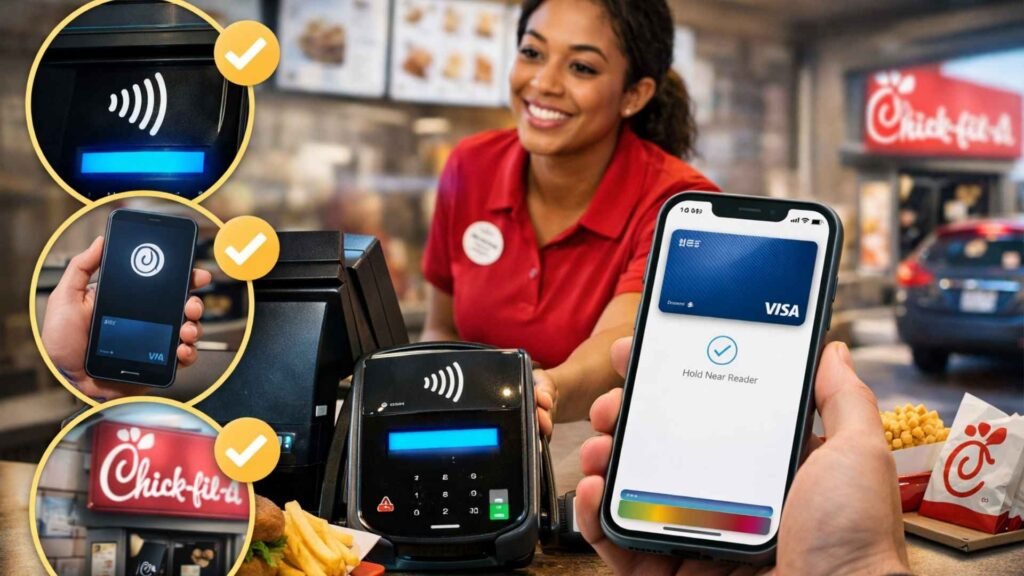
Apple says Apple Pay works in stores and restaurants where you see the contactless payment symbol or Apple Pay mark. That is the first thing to check if you plan to pay at the counter or a physical terminal.
2. Remember that some terminals may not be fully enabled
Apple specifically notes that some stores may display the symbol on the reader but still not be set up to accept contactless payments at that moment. That is one reason guests sometimes get mixed results with tap-to-pay.
3. Make sure your card works with Apple Pay
Apple says you need a supported card from a participating issuer, so the Wallet setup matters too. If Apple Pay does not work, the issue may be the local terminal, your issuer, or the card network rather than Chick-fil-A itself.
4. For the most reliable result, use the app
Because Chick-fil-A officially documents Apple Pay inside its own app, mobile ordering is the least confusing path. It avoids the uncertainty of whether a specific reader has contactless enabled and makes it easier to combine payment, pickup, and rewards in one place.
Apple Pay vs other Chick-fil-A payment methods
If a customer cannot or does not want to use Apple Pay, Chick-fil-A still offers other payment options in its digital ecosystem. Official support pages show alternatives such as major debit and credit cards, Google Pay for balance loading, PayPal in the app, and Chick-fil-A gift card transfers to a digital gift card balance.
Common alternatives
- Debit cards
- Major credit cards
- Chick-fil-A gift cards / digital gift card balance
- PayPal in the app
- Google Pay in supported app flows
That gives customers flexibility, but for iPhone users who prefer fast, contactless checkout, Apple Pay in the Chick-fil-A app is still one of the most convenient options Chick-fil-A officially supports.
Frequently Asked Questions
Does Chick-fil-A take Apple Pay in the app?
Yes. Chick-fil-A says you can link Apple Pay in the Chick-fil-A app and use it to pay for mobile orders.
Can I use Apple Pay on chick-fil-a.com?
No. Chick-fil-A says Apple Pay is not available for orders placed on chick-fil-a.com.
Does Chick-fil-A catering accept Apple Pay online?
No. Chick-fil-A says Apple Pay is not available for catering orders placed through chick-fil-a.com.
Can I use Apple Pay in the drive-thru?
Yes for app-based drive-thru pickup, because payment is completed in the app. For a physical drive-thru terminal, availability depends on whether contactless payments are enabled at that location.
Can I earn Chick-fil-A One points when paying with Apple Pay?
Yes, as long as the purchase is tied to your Chick-fil-A One account through the app, online sign-in, or QR-code scanning for qualifying purchases.
Can I add funds to my Chick-fil-A balance with Apple Pay?
Yes. Chick-fil-A lists Apple Pay as a supported payment method for loading account balance funds.
Does every Chick-fil-A location accept Apple Pay at the register?
Not necessarily. Apple says in-store Apple Pay depends on the merchant’s contactless/NFC setup, so local terminal availability can vary.
How do I set up Apple Pay in the Chick-fil-A app?
Go to the order review screen, tap Change beside your payment method, choose Apple Pay, and complete setup.
What devices can use Apple Pay?
Apple says you can use Apple Pay in stores with iPhone or Apple Watch, and in apps or online on supported Apple devices where Apple Pay is offered.
What should I do if Apple Pay does not work at Chick-fil-A?
Check whether the terminal supports contactless payments, make sure your card is supported in Apple Wallet, or use the Chick-fil-A app for a more reliable Apple Pay checkout flow.
Summary
So, does Chick-fil-A take Apple Pay? Yes—officially in the Chick-fil-A app for mobile orders and for loading account balance funds. No—for chick-fil-a.com orders and website catering. And for in-person tap-to-pay, availability depends on whether that restaurant’s payment terminal has contactless enabled. For most readers, the safest and smartest advice is simple: use Apple Pay inside the Chick-fil-A app when possible, especially if you also want pickup convenience and Chick-fil-A One points.